How Mapages works
Turn a mess of photos into something you'll actually want to revisit — and share. Here's how it works from start to finish.
Four steps to a great album
Create your album
Give it a name and a cover photo. Add chapters for the people, places, or moments inside — or let AI suggest them for you.
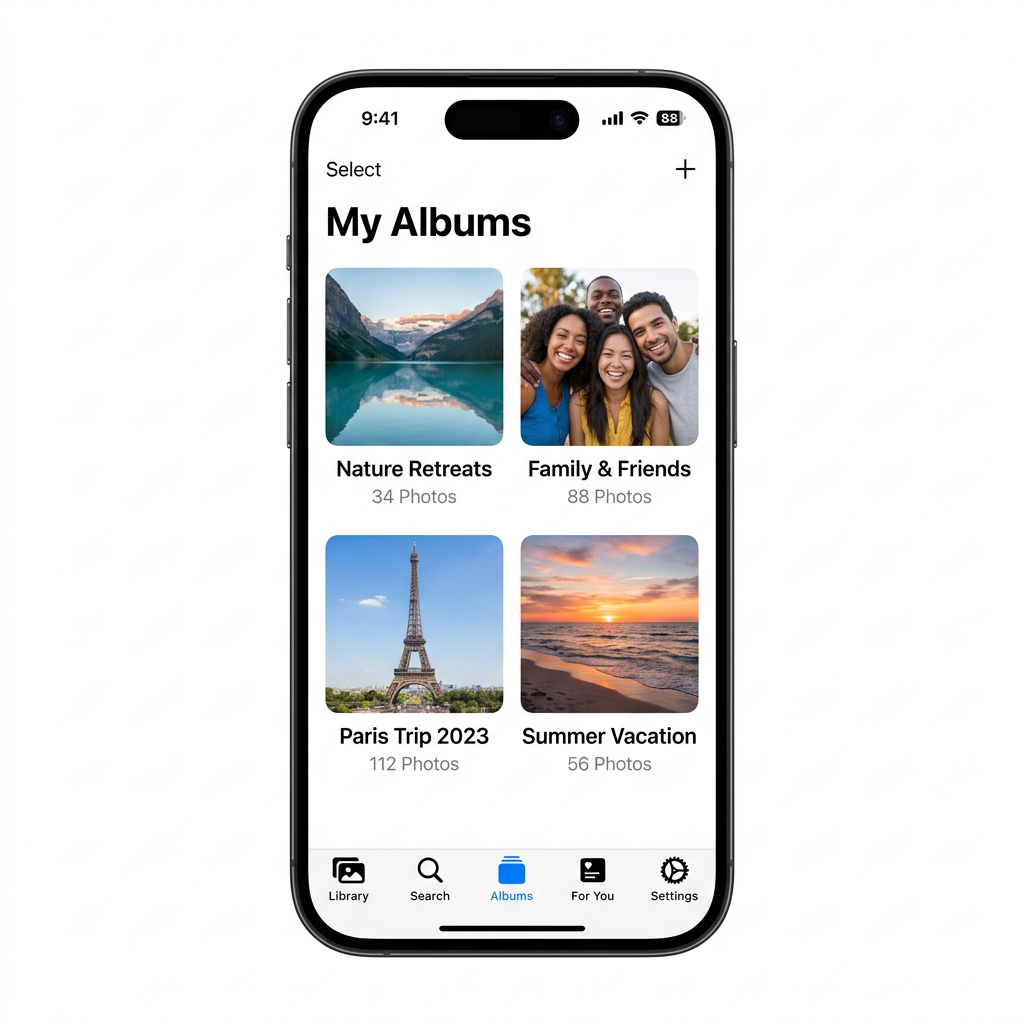
Upload and organise
Add your photos and let AI sort them into the right chapters. Approve, adjust, or move anything manually. You're always in control.
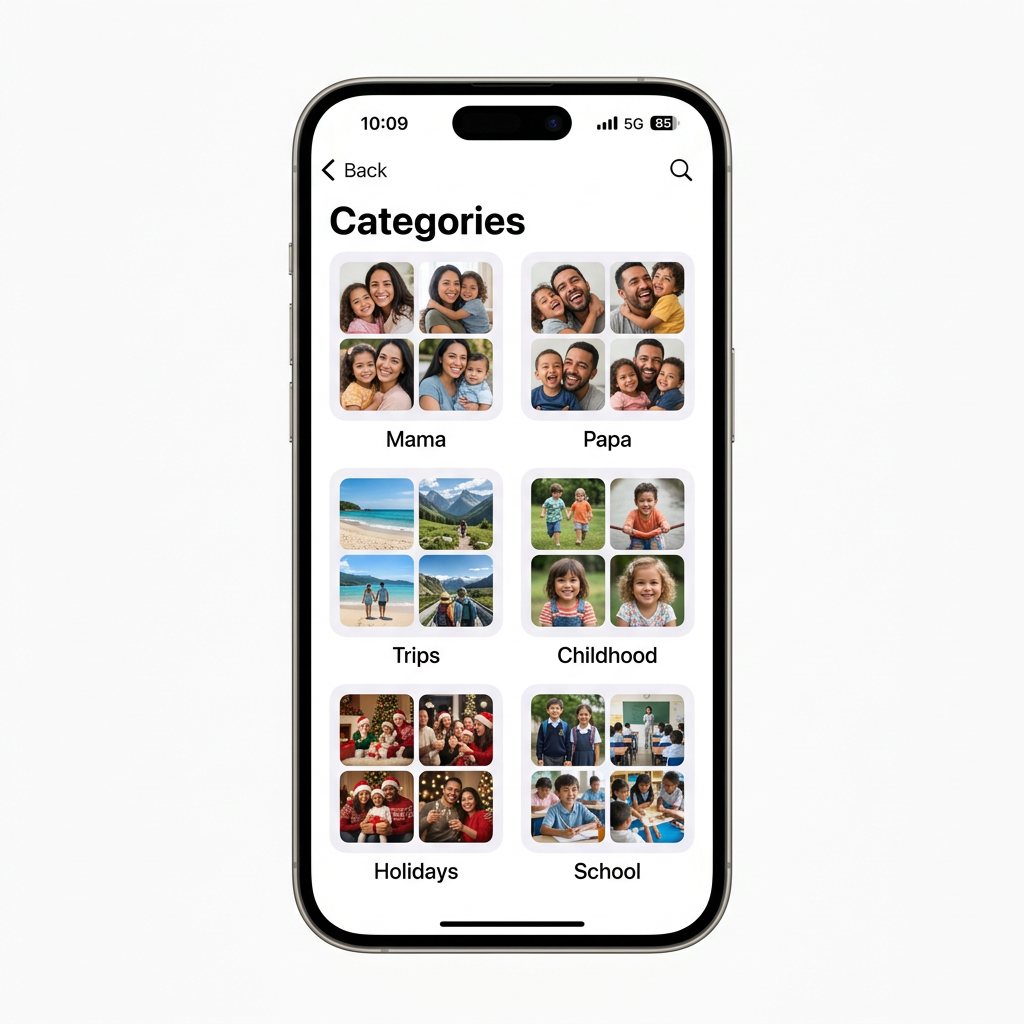
Tell the story
Record your voice or write a caption on any photo. Explain who was there, what happened, and why it matters. Future viewers will thank you.
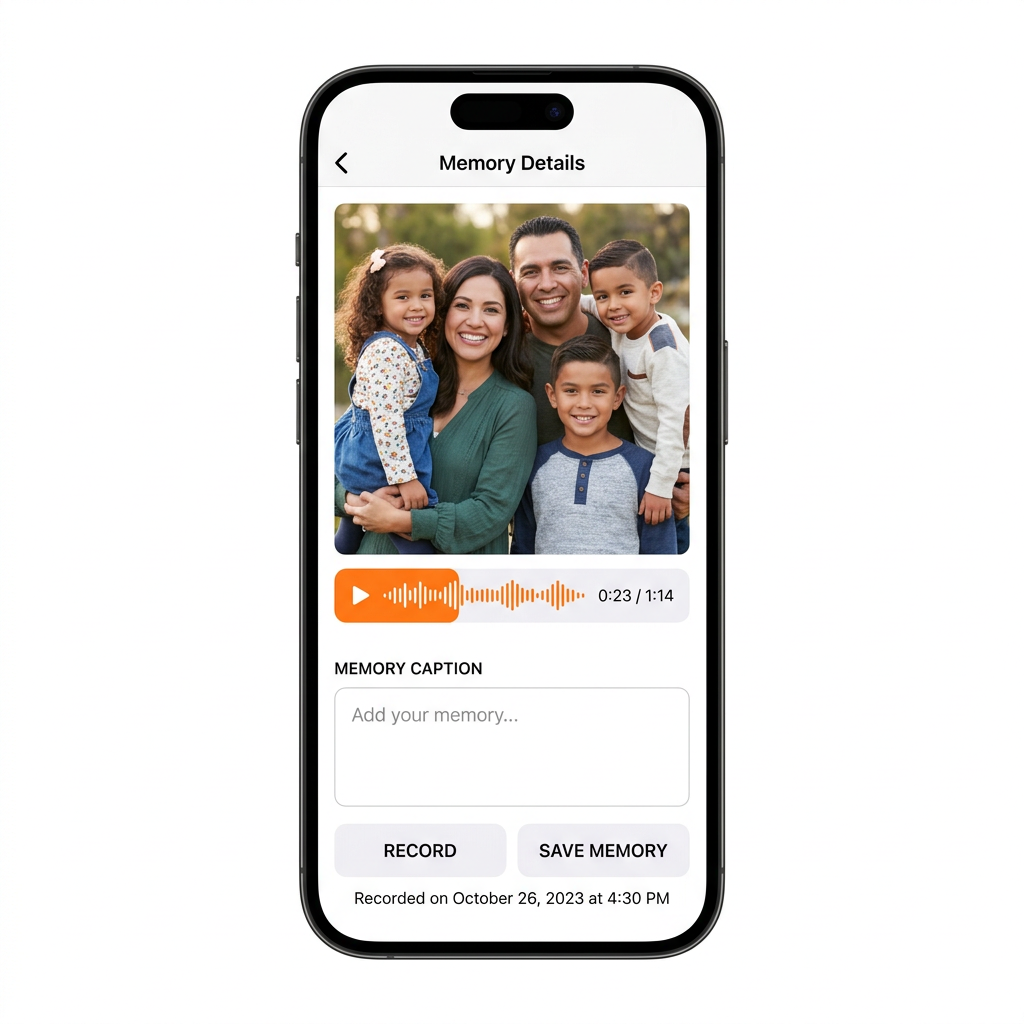
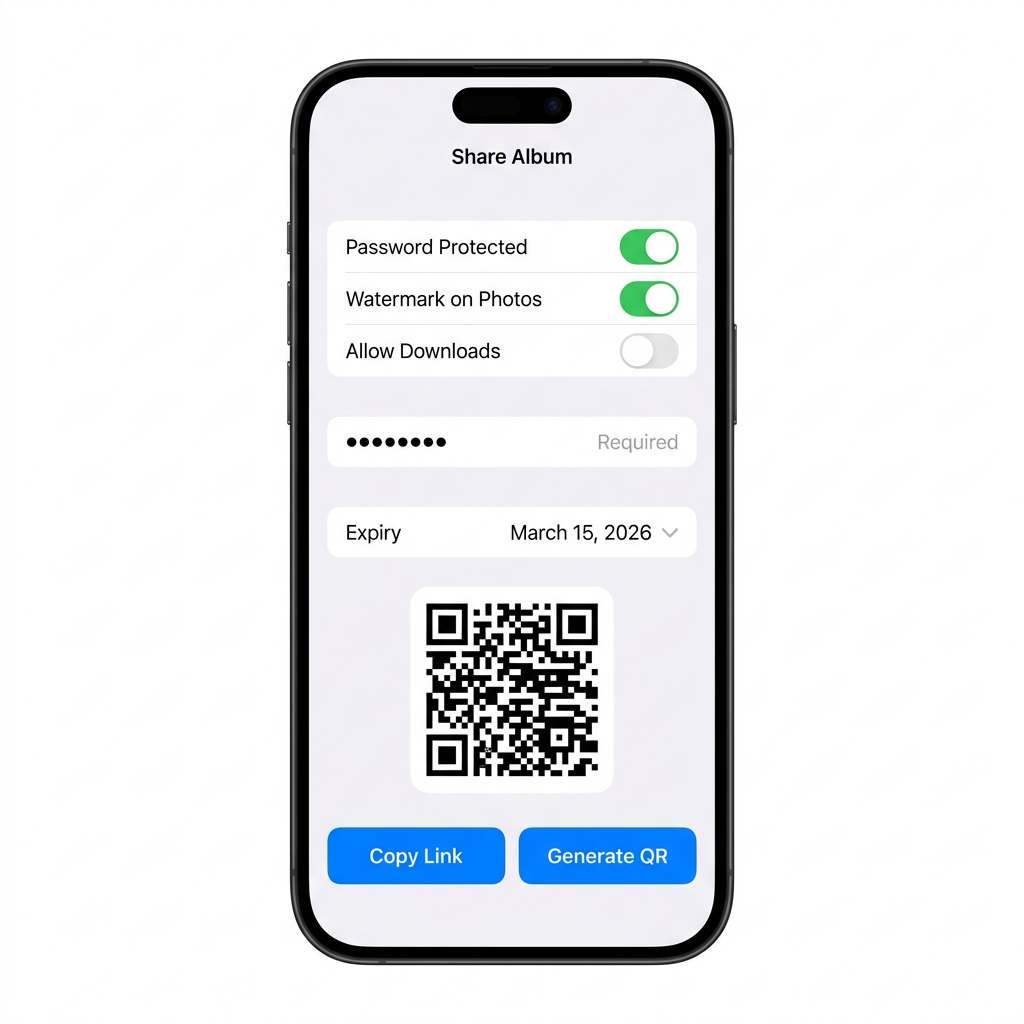
Share with total control
Generate a private link for friends, travel companions, teammates — whoever belongs in the moment. Set a password, an expiry date, or revoke access anytime.
Create your album
Organise chapters
Add your stories
Share privately
What makes it different
Mapages isn't built for storing photos. It's built for making them worth keeping.
Structured albums
Chapters, not folders. Browse by person, place, or moment — not by date.
Voice storytelling
Add audio memories to any photo. Your voice alongside an image is irreplaceable.
Secure sharing
Password links, expiry dates, watermarks. Only who you choose — revoke anytime.
AI auto-categorise
AI suggests where photos belong. You approve or move them. Always in your control.
Page-flip experience
Realistic 3D page turns with paper sounds. Opening an album feels like opening something special.
Works for everyone
Simple enough for anyone to use. Powerful enough for the photos that actually matter.
Common questions
Is it free to try?
Yes — the demo is completely free. No credit card required. Explore the full experience in your browser right now.
Who can see my photos?
Only people you explicitly invite. Nothing is public by default. Every album is private until you choose to share it.
Can I use it on mobile?
Yes. Mapages is available on Android via Google Play. It's also fully mobile-responsive in any browser. iOS app coming soon.
How do voice notes work?
Open any photo and tap the microphone icon. Record up to 30 seconds. It plays back whenever someone opens that photo in the album.
Can others add photos to my album?
Yes — invite contributors and they can upload photos to your album. Viewers can see and browse. You set who gets which access.
Can I export my albums?
Yes. Export any album as a PDF or ZIP file anytime. Your memories are never locked in.
Ready to give your photos a proper home?
Try the demo free in your browser right now. No credit card, no install. Now available on Android.
Now on Android · iOS coming soon